
Table of Contents
Introduction: Turning Creativity into Income
In today’s digital-first world, artists no longer need galleries or agents to make a living. Thanks to the rise of e-commerce and creator platforms, it’s now easier than ever to sell digital art online and reach a global audience. Whether you’re a hobbyist, student, or full-time artist, this comprehensive beginner’s guide will show you exactly how to turn your digital creations into a profitable business.
If you’re wondering how to make money with digital art, this guide is for you. We’ll walk you through tools, platforms, pricing, marketing, licensing, and real-world strategies to get you started.
Related article: How to Start a Print on Demand Company in 2025: A Step-by-Step Guide
Chapter 1: What Is Digital Art?
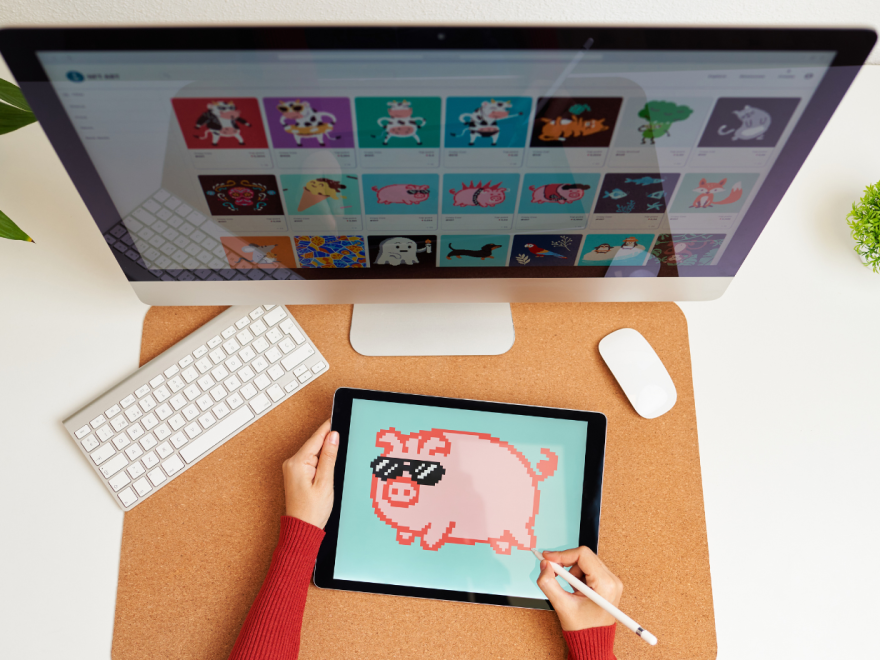
Digital art refers to any artwork created using digital tools—tablets, computers, software, or even smartphones. It spans various styles and mediums, including:
- Illustrations and concept art
- Digital paintings
- Pixel art
- 3D modeling
- Vector graphics
- NFT artwork
- Typography and lettering
- Photo manipulation
You don’t need to be an expert. Many successful digital artists are self-taught and started with basic software like Procreate or Canva.
Chapter 2: Why Sell Digital Art Online?
Here’s why digital art is perfect for online selling:
- Low Overhead Costs: No need for inventory, shipping, or physical prints unless you choose to.
- Scalable: One artwork can be sold infinitely with no extra effort.
- Flexible Niches: You can create wall art, branding kits, stickers, icons, or character commissions.
- Global Market: Sell to customers anywhere in the world 24/7.
- Passive Income Potential: Create once, earn forever.
Learning how to make money with digital art is about building a business system that works for you while allowing you to grow creatively.
Chapter 3: Tools to Create Digital Art
To sell high-quality work, invest in good tools. Here’s what many digital artists use:
Hardware:
- iPad with Apple Pencil
- Drawing tablets (Wacom, Huion)
- High-resolution monitor
- DSLR camera (for photographing traditional art)
Software:
- Procreate (iPad)
- Adobe Photoshop/Illustrator
- Clip Studio Paint
- Canva (great for beginners)
- Krita (free, open-source)
- Affinity Designer
Choose tools that fit your workflow and skill level. You don’t need the most expensive setup to start selling.
Related article: Top Free AI Video Enhancer Tools for 2025
Chapter 4: Decide What to Sell
Before you sell digital art online, define your niche. This helps attract the right customers and build a consistent brand.
Popular Digital Art Products:
- Printable wall art
- Social media templates
- Logo and branding kits
- Sticker packs (for digital planners or physical print-on-demand)
- Icons and UI kits
- Avatars or character commissions
- E-book illustrations
- Clip art for designers
Consider what you’re passionate about and where there’s a market demand. Combine both for long-term success.

Chapter 5: Best Platforms to Sell Digital Art Online
1. Etsy
Great for selling to a wide audience. Focus on printable wall art, clip art, and design bundles. You get access to built-in traffic but face high competition.
2. Gumroad
Perfect for selling digital downloads directly to fans. No monthly fees. Great for creators who want more control and own their audience.
3. Creative Market
Ideal for high-quality design assets (like fonts, brushes, and templates). You’ll need to apply and get approved.
4. Redbubble / Society6 / Teepublic
Print-on-demand marketplaces. Upload your artwork and they’ll print it on T-shirts, mugs, and phone cases.
5. Shopify
Build your own branded store. Best for long-term growth, but requires more setup and marketing.
6. Ko-fi & Patreon
For artists who want to offer exclusive content to supporters. Great for monthly income and fan engagement.
Each platform has its pros and cons. Start with one or two, test what works, and scale from there.
Chapter 6: File Types and Delivery
Your customers expect clean, high-resolution files. Here’s what you should offer:
Common File Formats:
- JPEG (for wall art, prints)
- PNG (for stickers, transparent backgrounds)
- SVG (for vector designs)
- PSD or AI (for editable files)
- PDF (for documents or multi-page files)
Use Dropbox, Google Drive, or built-in tools on Etsy/Gumroad to automate file delivery.
Tip: Always include a “Read Me” file with instructions and licensing info.
Chapter 7: Pricing Your Digital Art
Pricing can be tricky. You want to be fair to yourself while staying competitive.
Consider These Factors:
- Time spent creating
- Complexity of design
- Market value (check competitor pricing)
- File format and resolution
- Licensing type (personal vs commercial use)
Suggested Ranges:
- Printables: $5–$20
- Clip art bundles: $10–$50
- Branding kits: $30–$200+
- Commissions: $50–$500 (depending on complexity)
Don’t undersell yourself. Over time, increase your prices as your portfolio and experience grow.
Chapter 8: Licensing and Legal Tips
Make sure your art is protected—and that you’re not unintentionally breaking any rules.
Types of Licenses:
- Personal Use: For individual, non-commercial projects.
- Commercial Use: For business use, often with an extended license fee.
Must-Do Legal Basics:
- Don’t use copyrighted images or fonts unless licensed
- Include license terms in your downloads
- Trademark your brand name when scaling up
- Consider watermarking preview images
Learning how to sell digital art online responsibly protects you and your customers.
Chapter 9: Marketing Your Art
Even great art won’t sell itself. Marketing is what sets top sellers apart.
Strategies:
- SEO Optimization: Use keywords like “digital wall art download” or “cute clip art set” in your product titles and descriptions.
- Pinterest: A powerful platform for driving traffic to your shop.
- Instagram & TikTok: Showcase your process, behind-the-scenes, and final pieces.
- Email Newsletter: Collect emails and offer exclusive discounts or freebies.
- Blogging: Write tutorials or share your journey to rank on Google.
Show up consistently and build a brand that people trust and admire.
Chapter 10: Scaling Your Creative Business
Once you’ve made your first few sales, it’s time to scale.
Growth Tips:
- Batch your content creation (design multiple pieces at once)
- Reuse assets in bundles to increase average order value
- Collaborate with other creators
- Launch seasonal or themed collections
- Start selling on multiple platforms
- Create passive income streams with online courses or design kits
If you’re serious about learning how to make money with digital art, treat it like a real business from day one.
Final Thoughts: You Can Do This
Selling digital art online isn’t reserved for tech geniuses or design professionals. It’s open to anyone with creativity, persistence, and a willingness to learn.
By following this guide, you’ll be well on your way to building a successful creative business that brings both artistic fulfillment and financial freedom. Remember that Your art has value. The world is ready for it. So go ahead—sell digital art online and show them what you’ve got.